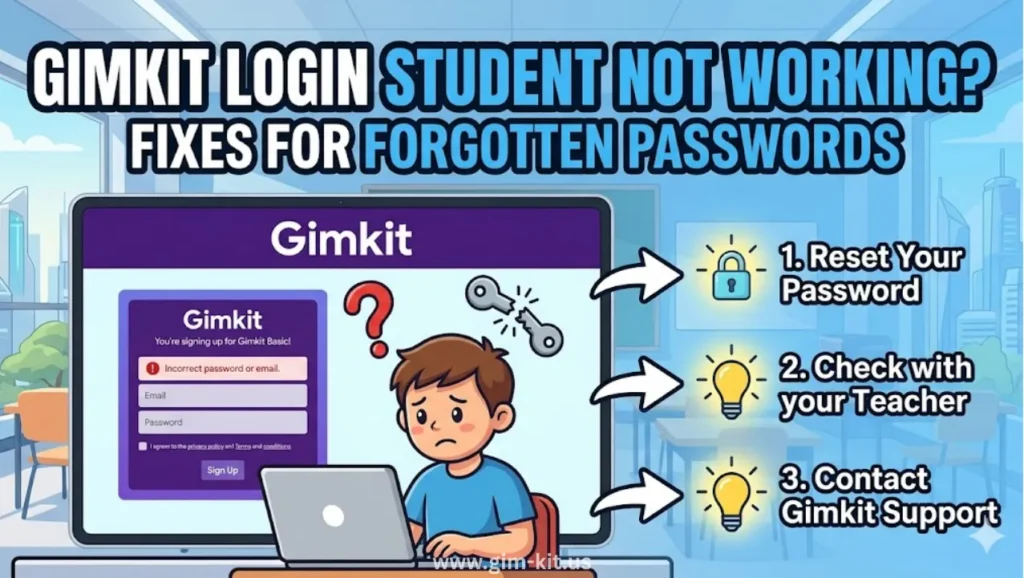
Quick Gimkit Login Fix for US Students
Tired of “invalid credentials” during class?
If you’re a U.S. student staring at a red “invalid credentials” or “user not found” message while everyone else loads into the Gimkit game, you’re not alone. Many schools use Google Workspace, Microsoft, or Clever SSO, so small mismatches in email, password, or school filters can block your login in seconds. This guide cuts through the confusion and gives you step‑by‑step fixes to log back into Gimkit fast on school Chromebooks, even if you forgot your password or your district’s IT settings are blocking the site.
Common Gimkit Student Login Problems in USA Schools
Here are five frequent pain points U.S. students hit when trying to log in at school:
- Forgot password or mistyped email – Typing the wrong school email or caps‑locked password triggers “invalid credentials” even though the account exists.
- SSO or Google Workspace misconfiguration – If your school uses Google Classroom or Clever SSO, new policy changes can block access if your district does not trust Gimkit in Google Workspace settings.
- School content filters or firewalls – District‑level filters sometimes block WebSockets or certain Gimkit domains, so the login page or game won’t load at all.
- Browser cache or outdated Chrome – Old cache, cookies, or an outdated Chrome version on a school Chromebook can cause login failures or lagging.
- VPN or ad‑blocker interference – Security tools or VPNs (even school‑issued ones) can block Gimkit’s login handshake, especially on shared networks.
Common problems at a glance
| Problem | Symptom you may see | Quick check to try first |
| Forgotten password | “Invalid credentials” or “User not found” | Use “Forgot password?” and check school email. |
| Wrong school email | “User not found” or wrong profile loaded | Ensure you type your full school email (e.g., name@district.org). |
| SSO / Google Workspace issue | Login loop, “Sign in” never finishes | Ask IT to mark Gimkit as “Trusted” in Google Workspace. |
| School filters/firewall | Page fails to load or game freezes | Try a different browser or ask IT to whitelist Gimkit domains. |
| Browser cache / Chrome issue | Login works once, then breaks again | Clear cache or use an incognito / guest window. |
Step-by-Step Gimkit Login Troubleshooting
Follow these steps if you’re a U.S. student and Gimkit won’t let you in during class.
1. Verify your credentials (Caps Lock, spaces, email)
- Make sure you’re using your school email, not a personal one, and double‑check spelling and domain (e.g., student@mydistrict.k12.pa.us).
- Turn Caps Lock off, remove extra spaces, and avoid copying–pasting if the login box is glitchy on your Chromebook.
2. Reset your password using “Forgot Password?”
- On the Gimkit login page (gimkit.com/login), click “Forgot password?” under the login box.
- Type your exact school email and submit; then check your inbox and spam folder for the reset link.
- If the email doesn’t arrive, your school’s filters may be blocking it; ask your teacher or IT to oversee the reset or resend the link via Gimkit support.
3. Clear cache or use an incognito window
- On a Chromebook, open an incognito window (Ctrl+Shift+N) and try to log in again with your school Google account.
- If that works, clear your regular Chrome cache: go to Settings → Privacy and security → Clear browsing data, then restart the browser.
4. Disable VPN or check school firewall
- If your school requires a VPN, turn it off while on campus Wi‑Fi, as some VPNs break WebSocket connections needed for Gimkit.
- If the page loads but the game freezes, ask your teacher or IT to confirm that Gimkit’s domains are whitelisted in the school’s firewall and content filter.ufovpn+1
5. Contact IT for SSO or Google Workspace issues
- If you use Google SSO, your school must configure Gimkit as a “Trusted” app in Google Workspace for Education to avoid login blocks.
- In that case, your teacher or IT admin should follow Gimkit’s official Google Workspace guide; as a student, you can simply tell them: “Gimkit login fails with SSO, can you trust Gimkit in Google settings?”
Prevent Future Gimkit Login Issues
Avoid last‑minute login panic during class with these simple habits:
- Bookmark the direct login URL (gimkit.com/login) on your Chromebook so you never end up on a fake or cached page.
- Use Google sync so your bookmarks, passwords, and profile stay consistent across devices and sessions.
- Keep your browser updated: Ensure Chrome is up to date on your school device, since old versions can cause compatibility glitches.
- Write down your credentials once cleared with IT: Store your school email and password in a secure place (like a parent‑approved password manager) so you don’t keep hitting “forgot password” every week.
FAQs
Do students need a gimkit account?
Yes; students need a Gimkit account (or SSO login) to join games, save progress, and track scores with their teacher’s class.
Is it free to create a gimkit account?
Yes. Students can create a free Gimkit account using their email or sign‑in providers like Google, Microsoft, or Apple.
How much does a gimkit account cost?
Students can use the basic features for free; premium perks (like extra themes or analytics) are usually paid via teacher or school plans, not individual student accounts.
How do I Change my gimkit account type?
Account type (student vs. teacher) is set at signup; if you accidentally created a teacher account, contact Gimkit support (hello@gimkit.com) and they can adjust your profile.
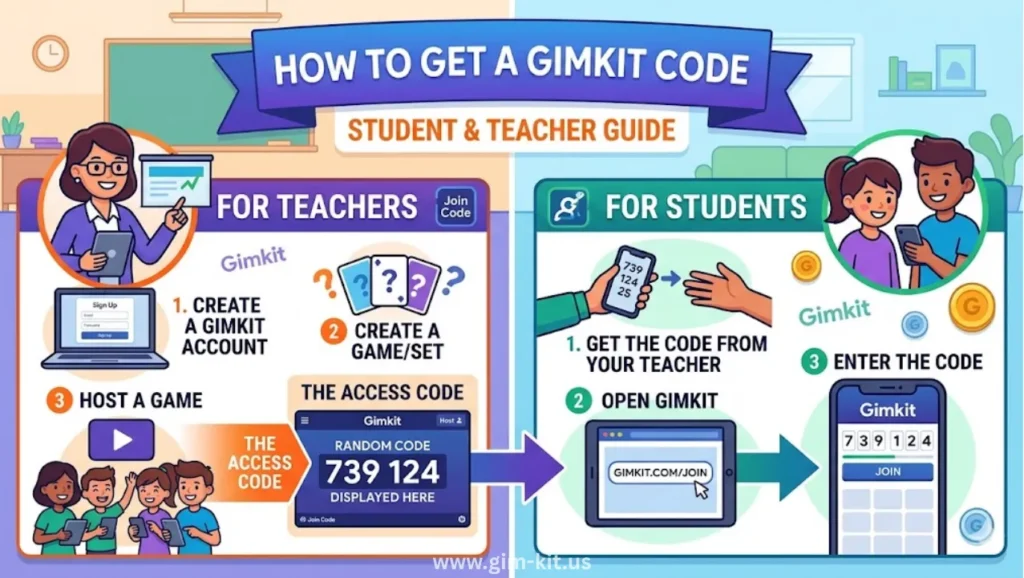
What is a gimkit code?
A Gimkit code is a short, teacher‑provided code (for example, ABCD123) that lets you join a live game without logging in, often used in computer‑lab or guest‑user setups.
How to join a gimkit game without a code?
If you have a login, you can join your teacher’s kit from the “Join” or “Kits” area in your account; if there’s no code and no login, you’ll need your teacher to give either a code or a login‑enabled invitation link.
Is a gimkit account free?
Yes; the core student and basic teacher features are free, while advanced features require a paid plan usually managed by the school or teacher.
Why can only 5 people join my gimkit?
If only 5 players can join, the game is likely set as a “mini” or private kit with a low player cap; ask your teacher to increase the player limit or start a new game with a higher cap.
Conclusion:
If you’re a U.S. student on a school Chromebook and still can’t log into Gimkit, try the “Forgot password?” link, clear your browser, then ask your teacher or IT to double‑check SSO and firewall settings. With these steps, most 2026‑era login issues in American classrooms can be fixed in under five minutes, keeping your review game running smoothly instead of stuck on the login screen.